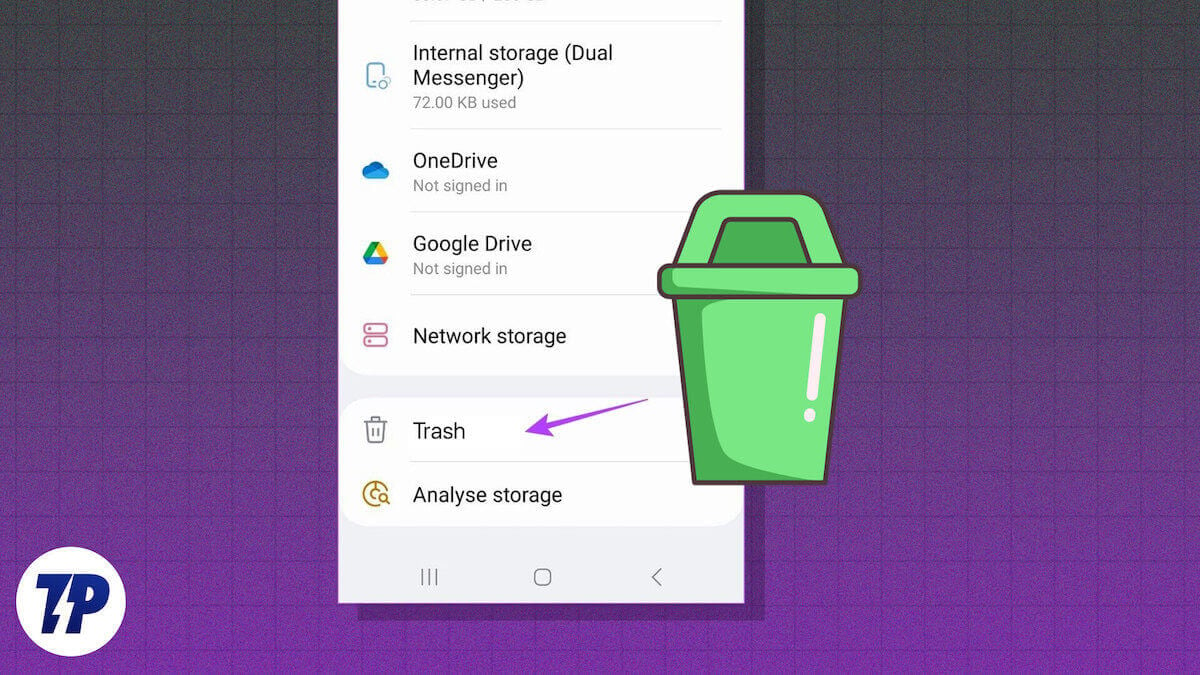
Now, for the real junk. Open the Files by Google app (or your phone maker’s version of a file manager). This is the app equivalent of that junk drawer in your kitchen that has expired coupons, twist ties, and a mystery key.
Swipe over to the “Clean” tab. You’ll see a cheerful little cartoon character celebrating your mess. Look for the “Trash” option buried under a submenu. Tap it, and you’ll find old downloads, deleted APKs, and that app you uninstalled months ago but left behind a ghost file. Hit “Empty” like you’re hitting the snooze button on a Monday morning—it feels wrong, but it’s necessary.

