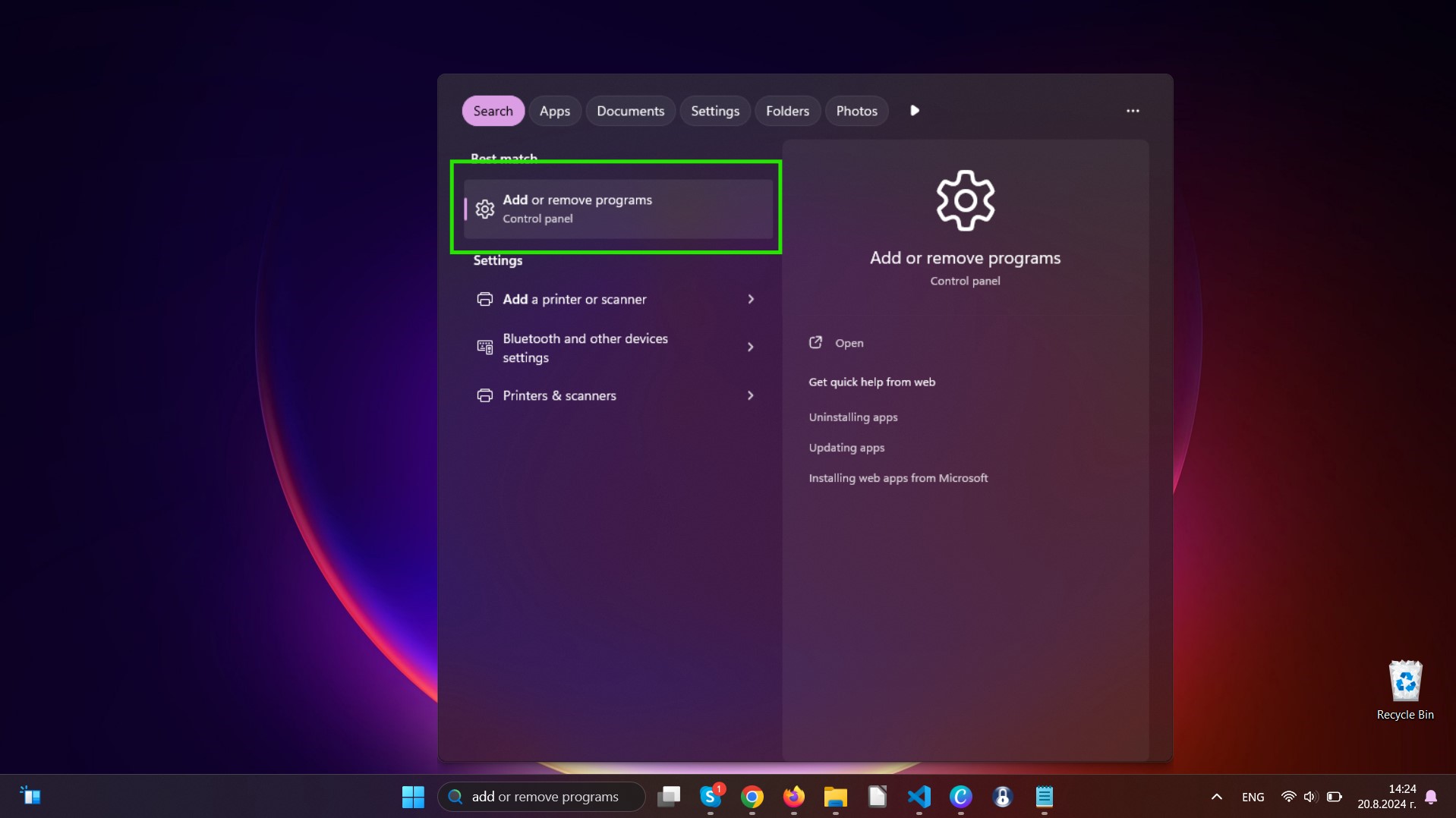
Nothing will break. Uninstalling a web browser is remarkably safe. Your computer won’t explode, and your internet won’t disappear. You’ll still have the default browser that came with your system (like Edge on Windows or Safari on Mac).
Think of the leftover browser as a safety net. It’s not the most exciting choice, but it works in a pinch. You can always download your favorite browser again later from the internet—using that safety net.
And if your computer starts acting weird after the uninstall? It’s probably just happy to have less clutter. Give it a restart.
Final, Friendly Advice
Don’t overthink this. If you have a browser you haven’t opened in months, let it go. It’s not serving you. Your computer deserves a lean, mean, one-browser machine.
Every time you clean out an old browser, you free up a tiny bit of digital space and a tiny bit of mental space. It’s a kindness to your future self, who won’t have to wade through five icons to find the one they actually use.
So go ahead. Open your Control Panel. Make your move. Your computer will thank you with a faster boot time, and you’ll feel like the captain of your own digital ship. And really, isn’t that the dream?

