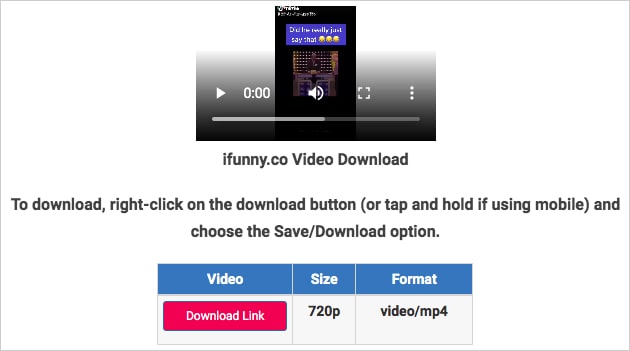
First, you need to find a video you want to save. Browse through the app, and when you find a video that cracks you up, tap the share button. This will open up a bunch of options, but don't worry, we're focused on saving it to your device.
Next, you'll see a save or download option - this might vary depending on your device or the iFunny app version. Tap that, and the video will start downloading to your device. Easy peasy!

