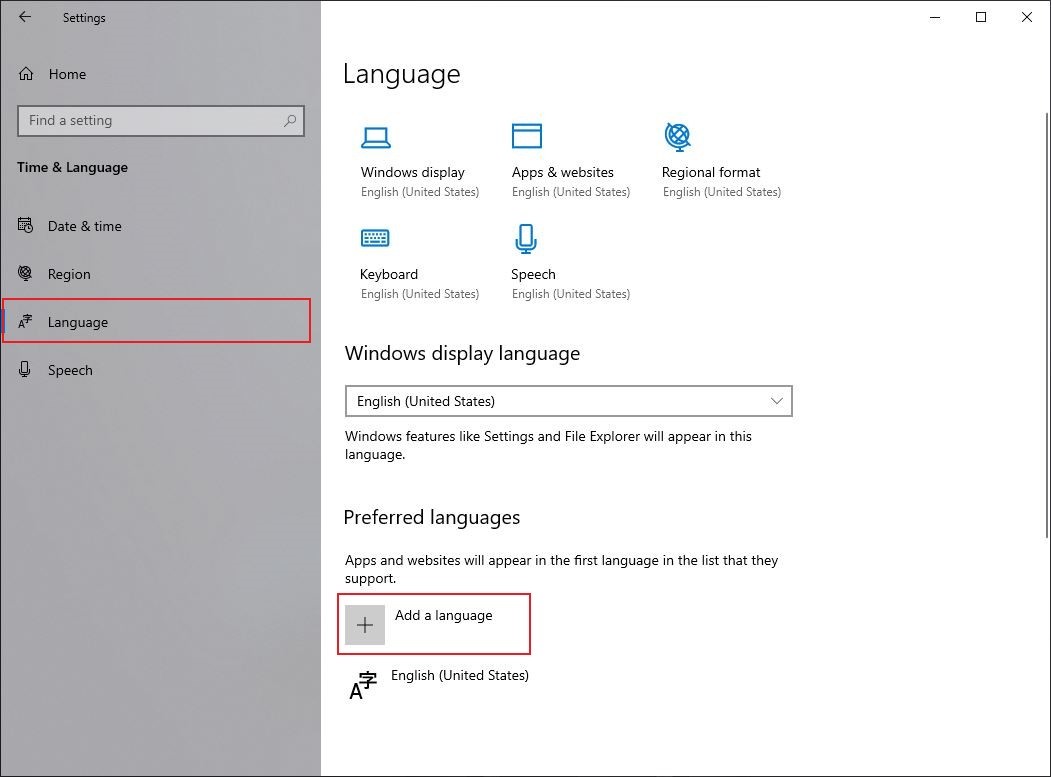
To start, you'll need to access your laptop's Settings menu, which is usually found in the Start menu or by typing "Settings" in the search bar. Now, I know what you're thinking, "What if I'm using a Mac?" Don't worry, I've got you covered - the process is similar, and I'll get to that in a bit. Once you're in the Settings menu, click on Time & Language or Language and Region, depending on your laptop's operating system.
This is where things can get a little tricky, but stick with me, folks! You'll see a list of installed languages, and if the language you want to switch to isn't on the list, you'll need to add it first. It's like adding a new friend to your social media - you gotta send them a request first, right?

