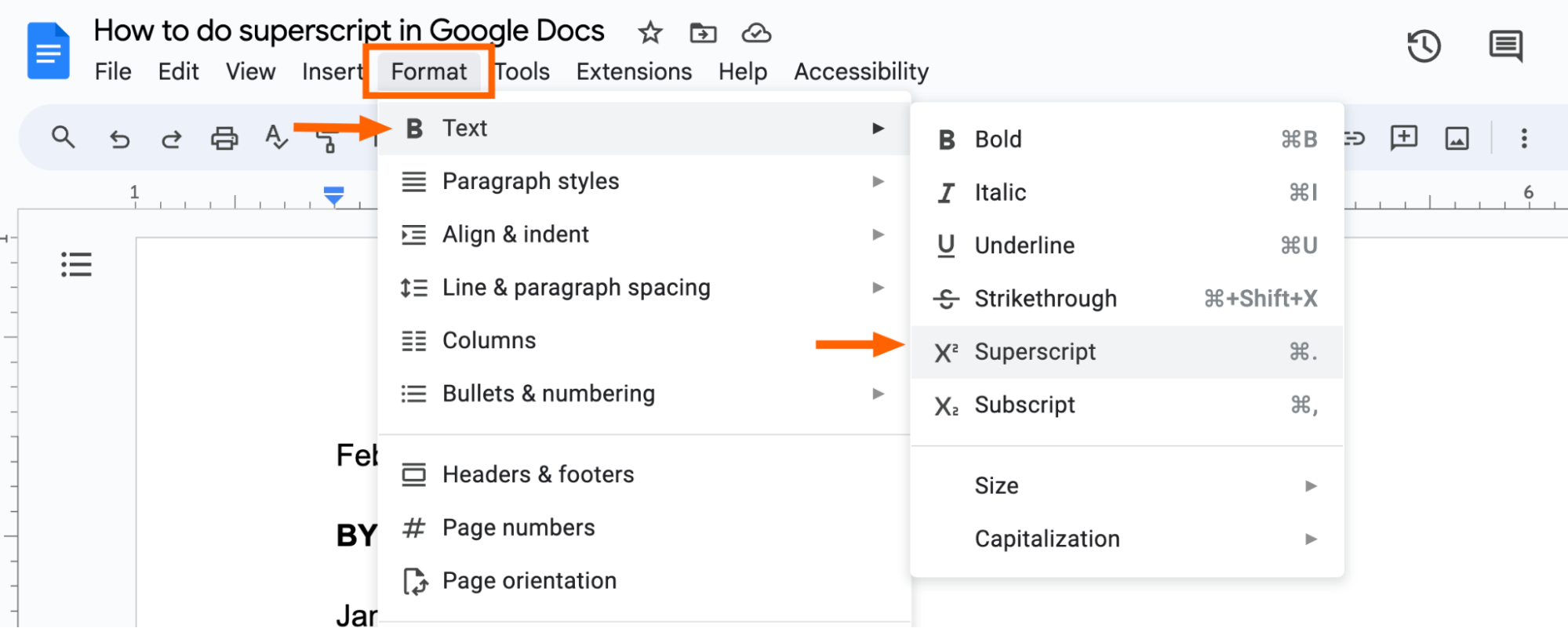
Here’s the golden ticket, my friend. If you want to feel like a speed demon of document editing, just highlight the text you want to shrink and send floating. Then, on a Windows computer, hit Ctrl + Period (that’s the dot key). Boom. Instant superscript. Mac users? Don’t worry, you’re not left out. It’s Cmd + Period.
Seriously, it’s that simple. I still mutter “Ctrl + dot” under my breath every time, like a little prayer to the Google gods. It works every time. No menus, no digging around, no accidental underlining. Just pure, floating glory.

