
I remember my first big rating check. I had a rough ride—I was late, I ran to the car, and I fumbled with the phone. When I got out, I accidentally slammed the door like I was trying to wake a mummy.
My rating dropped from 4.96 to 4.93. I panicked. I spent the next week bowing to drivers and saying "thank you" like a British royal. I even stopped breathing too loudly. My rating slowly climbed back up, but the trauma remains.
The lesson? One bad ride doesn't ruin your character, but it can ruin your score. It's like Whac-A-Mole with your own behavior.
How to Actually See the Number (The Step-By-Step Panic)
Alright, let's do this. Open the app. Check for the little person icon. Digital courage is required. Now, tap your name. That sucker is right there, under your profile photo.
You can also tap the "Account" tab at the bottom, then scroll down to the "Settings" section. Some versions have a "Privacy" center where they hide the number like a shy squirrel. But trust me—it's always under your profile name.
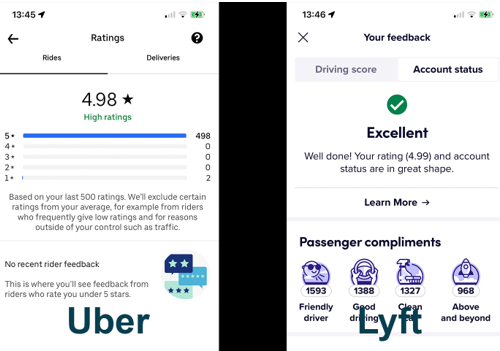
If you tap the number itself, the app might show you a breakdown. It says things like "Respect" and "Riding & Wait". That's Uber's way of grading your door etiquette and small talk skills.
 Tips for Rebounding Your Driver Rating With an Angry Passenger

