
Imagine you’ve just finished your first ever blog post about the perfect Sunday roast. You’re proud. You want to put your name on it, but you don’t want to write “copyright” in full—that sounds like an exam paper. Instead, tap Option + G, and bam—your blog instantly looks legit.
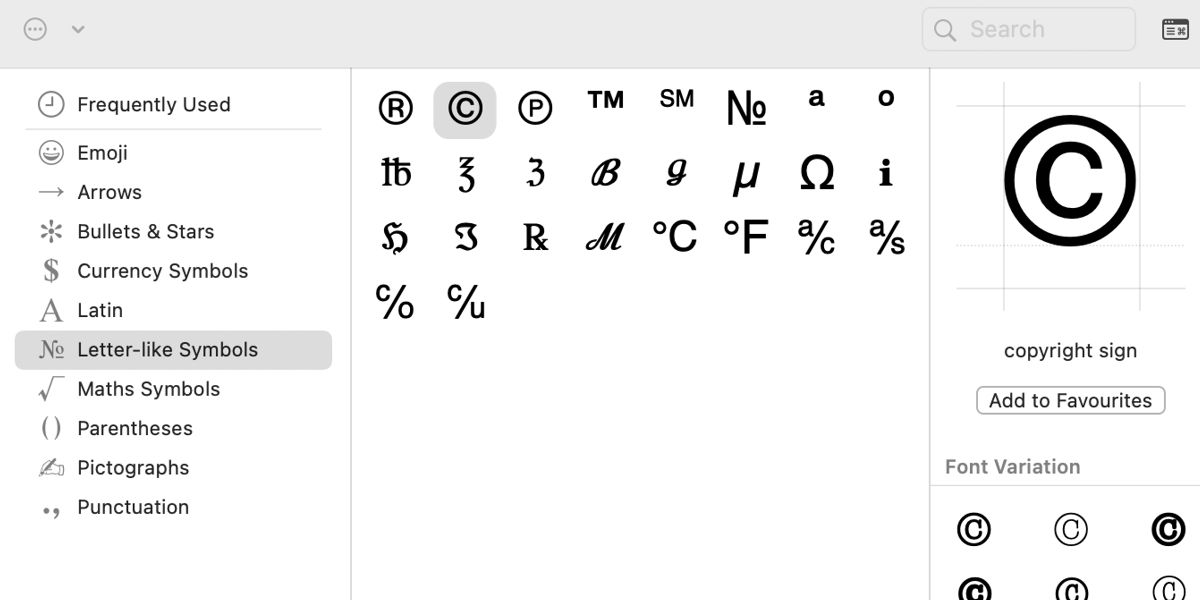 How to Type Copyright and Trademark Symbols on Mac
Or maybe you’re a parent making a birthday invite on your Mac, and you want to add a cheeky © “Mum’s Kitchen Designs.” It’s playful, it’s cute, and it shows you’re in control of your creative work.
Even if you never sell a thing, using the symbol reminds you that your words, photos, and silly jokes have value. You made them. That matters.
The UK Quirk You’ll Love
Now, here’s a gotcha that makes me smile. On a UK Mac keyboard, the Option key is labelled “alt” on the bottom row. I know—it’s confusing. But if you were on a US keyboard, the shortcut is exactly the same: Option + G. The difference is that we Brits have to find the “alt” key and pretend it’s the same thing. It works, I promise.
I’ve had friends panic and say, “But I don’t see ‘Option’ anywhere!” Don’t worry. Look for the key that says alt to the left of the spacebar. That’s your friend. Press it, then G. You’ll be fine.

