
Ready to give it a try? First, open your Settings app and tap on General - then, scroll down to Language & Region. From there, tap on iPhone Language and choose your new language from the list - it's that easy! You'll be prompted to confirm your choice, but don't worry, you can always switch back if you need to.
One fun fact to keep in mind: when you change your language, you might notice that some of your apps look a little different. That's because many apps are translated into multiple languages, so you might see some new words and phrases popping up - it's a great way to discover new things!
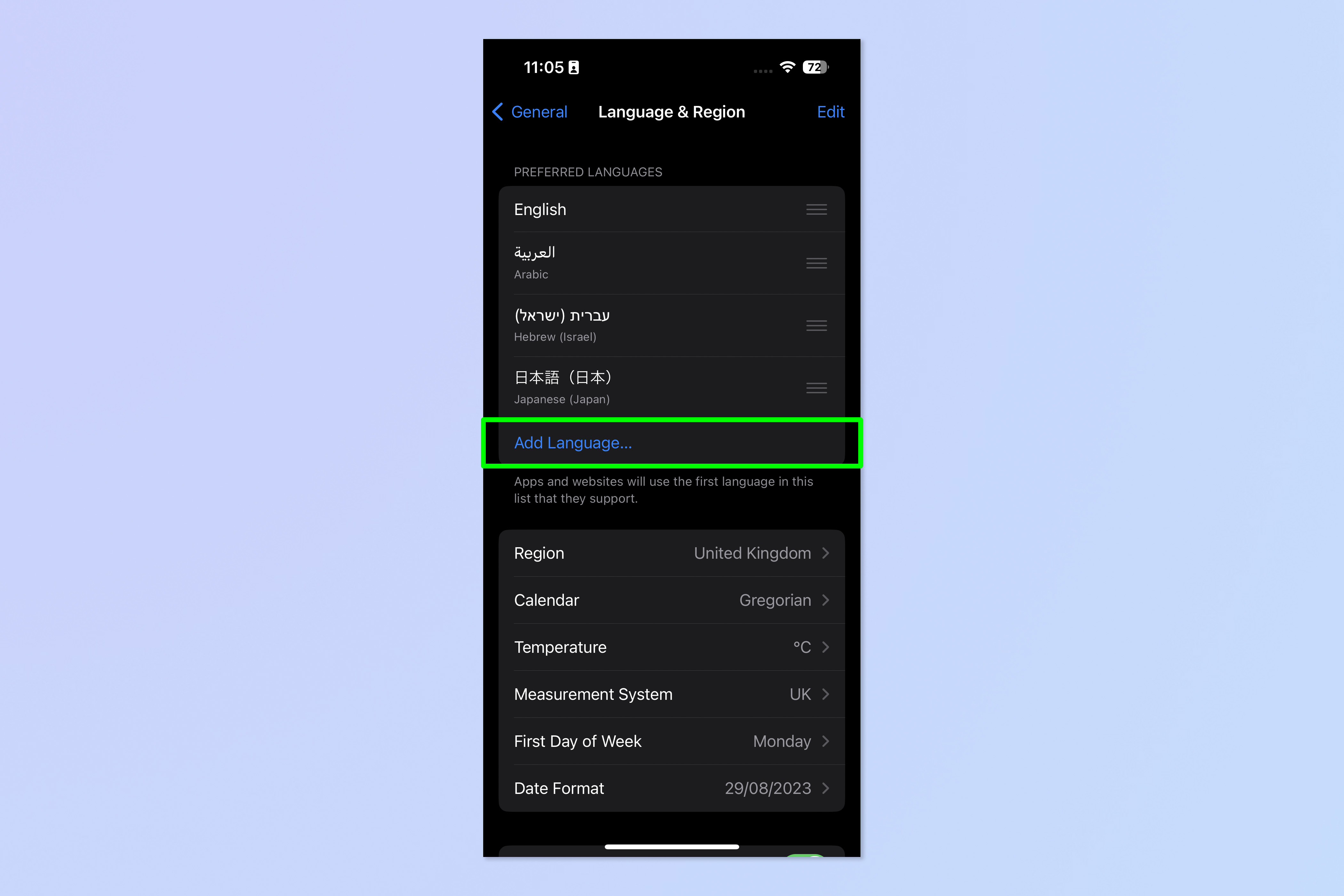 How to change language on iPhone | Tom's Guide

