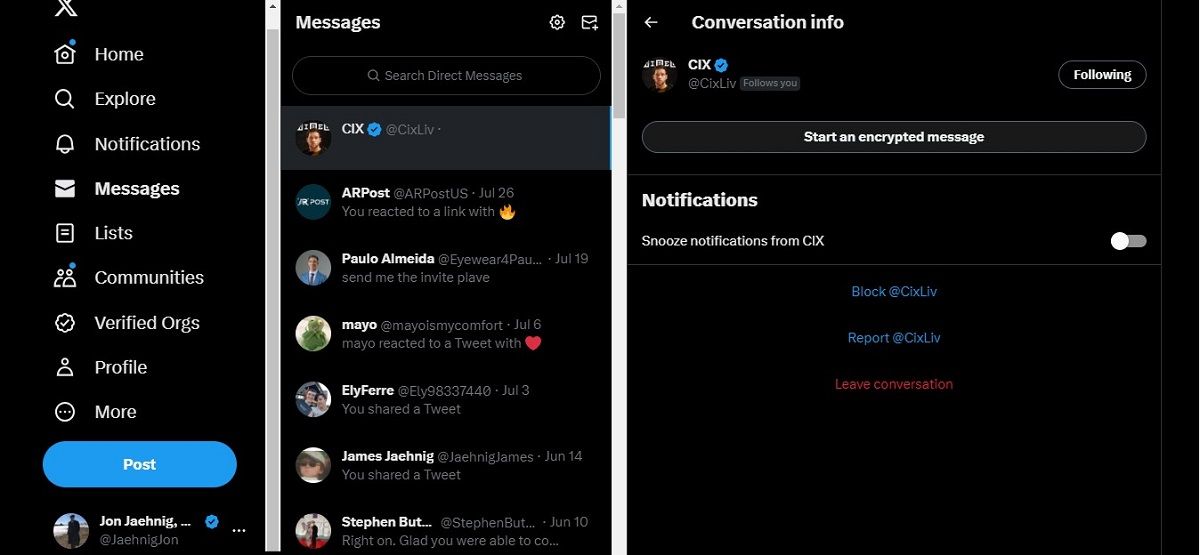
First, open X on your mobile app (sorry, desktop folks—this is a mobile-only party for now). Tap on the envelope icon in the bottom navigation bar—that’s your DM inbox. Now, look for the settings gear in the top-right corner of your inbox view. It’s tiny, unassuming, and holds the key to your privacy fortress.
Tap that gear, then scroll down to “Enhanced Privacy & Safety.” You’ll see a toggle labeled “Enable encrypted direct messages.” Flip it on. Boom. You’re now in the elite club of people who actually read the privacy settings.
A quick note: if you don’t see this option yet, don’t panic. X is rolling it out like a slow drip coffee maker—patiently. Check back in a week, and it might just appear like a surprise gift from the internet gods.

