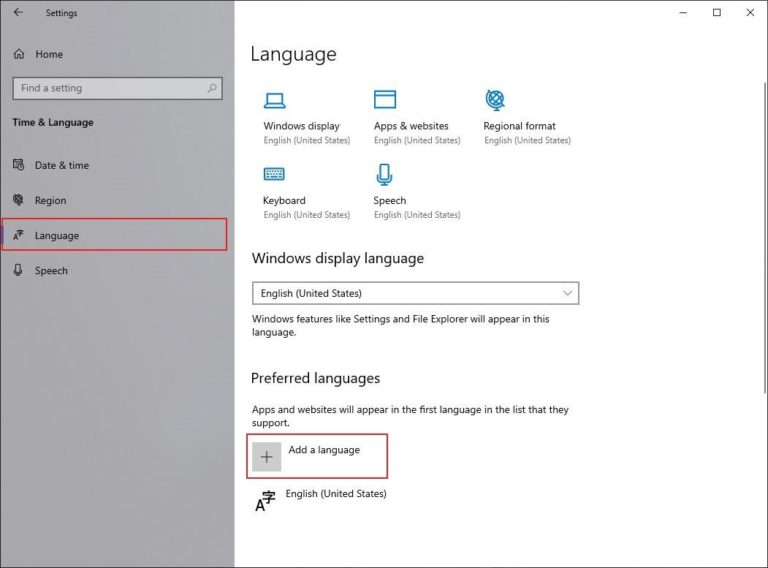
Look for a tiny icon that looks like a cogwheel or a gear. It’s almost always in the Start Menu (Windows) or the Apple menu (macOS). If you can’t see text, just scan for that symbol—it’s the same in every language. Think of it as your secret decoder ring.
On a Windows laptop, click the Start button (the four squares in the bottom-left corner). Then type “Settings” in the search bar—even if the bar shows strange letters, it still works. On a Mac, click the Apple logo in the top-left corner and pick “System Settings.” No translation needed for icons.
Once you’re inside, look for a tab or symbol that shows a globe or an “A” with a pencil. That’s your language control center. It’s usually called “Time & Language” on Windows or “Language & Region” on Mac. I promise, the icons are your friends here.

