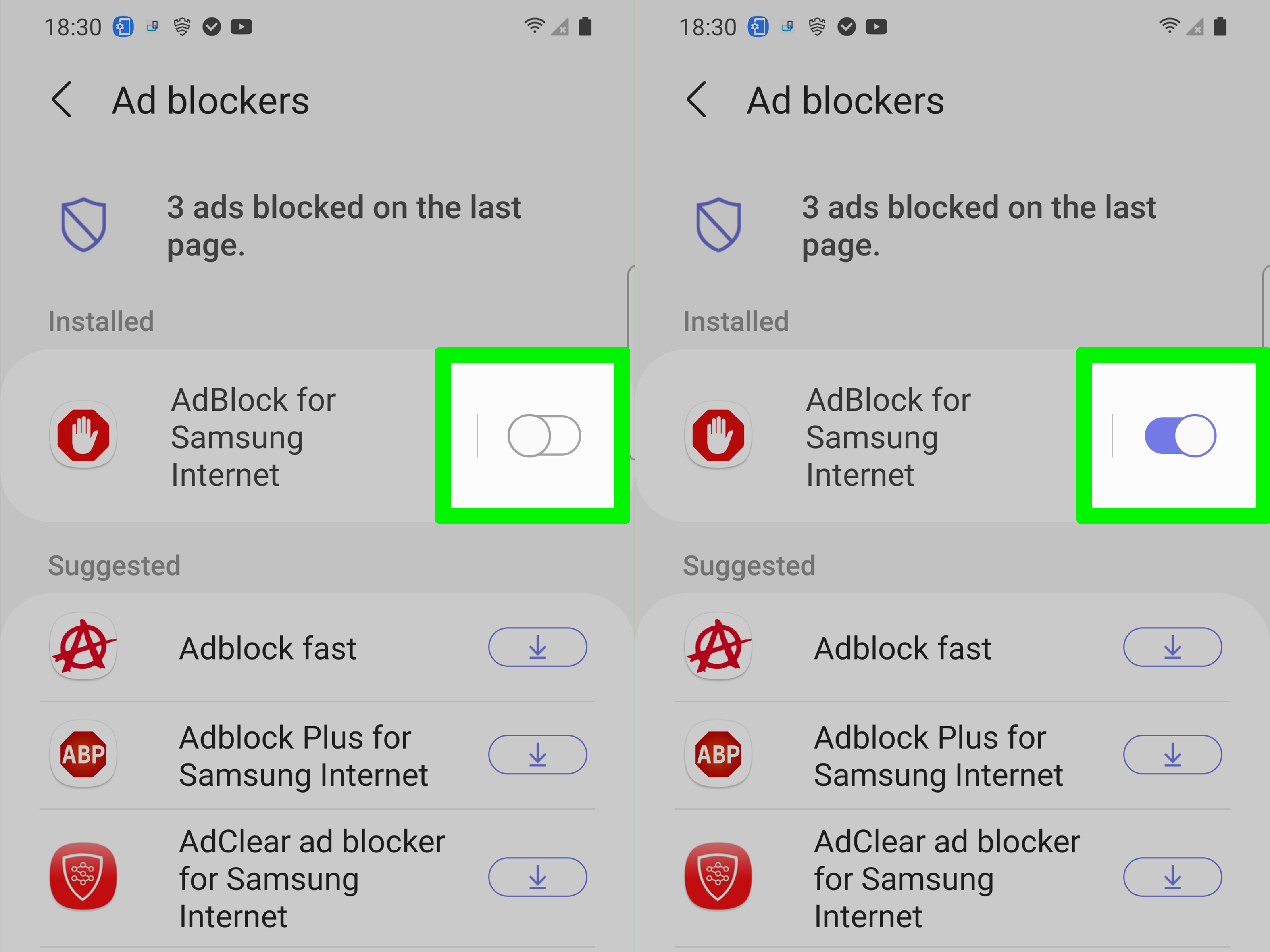
Some Android phones, especially from Samsung or Xiaomi, have a “Private DNS” setting that blocks ads system-wide. It’s like having a super-efficient but sometimes clumsy assistant. Go to “Settings,” then “Connections,” then “More connection settings,” and find “Private DNS.” If it’s set to “Automatic” or something like “dns.adguard.com,” switch it to “Off”.
This is the secret sauce. I did this once, and suddenly a news site loaded with all its colorful banner ads. It was a bit messy, but hey, I got to read the article. You can always turn it back on later, like a raincoat you take off when the sun comes out.
 How To Disable Adblock in Brave Browser Android and iPhone - Easy Fix
The App-Specific Trap
You might have an app like Blokada or NetGuard. These apps are like tiny guards at every app door. Open the app, and look for a “Pause” or “Whitelist” button. Don’t worry, you’re not opening the floodgates. You’re just letting one website through.
I often tell people to “whitelist” their favorite sites. It’s like giving a VIP pass to your blog or online store. That way, you support the creators without losing your shield everywhere else.

